GCC vs G++: Which Command Should You Use?
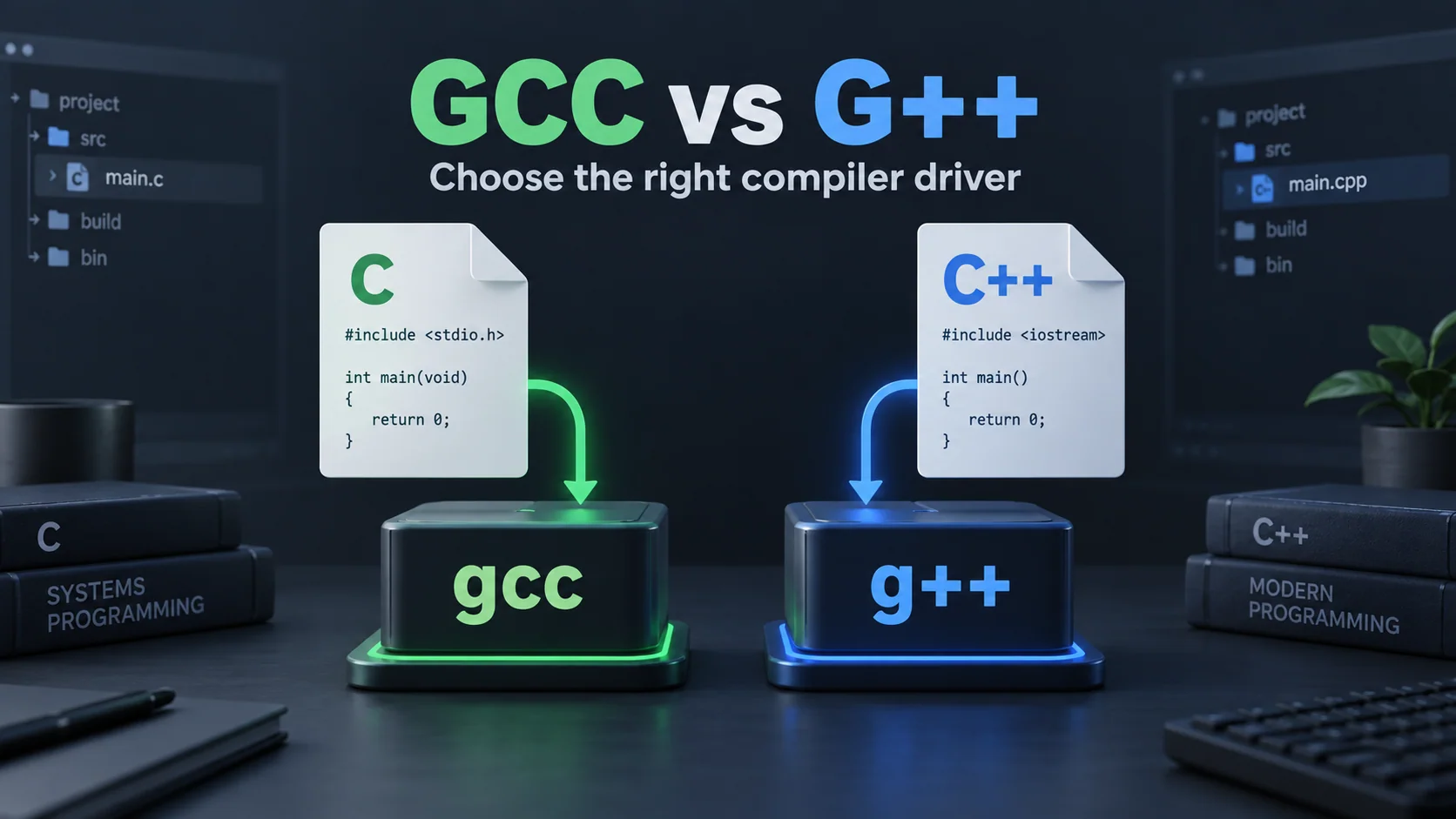
If you're comparing g++ vs gcc, start with the source language: use gcc for a typical C program and g++ for a typical C++ program. Both belong to the GNU Compiler Collection, but they handle language selection and linking differently.
The difference is important if the C++ file compiles and the build fails with undefined references to symbols like std::cout or other C++ library symbols.
The key differences
| Input or behavior | gcc |
g++ |
|---|---|---|
A .c source file |
Normally treated as C | Normally treated as C++ |
A .cpp source file |
Recognized as C++ | Recognized as C++ |
| C++ standard library | Not automatically added | Automatically added during linking |
| Typical C17 command | gcc -std=c17 main.c |
Use the C driver for clarity |
| Typical C++17 command | Additional linking setup may be needed | g++ -std=c++17 main.cpp |
Language detection can be overridden with the -x option. These behaviors are described in GCC's guide to compiling C++.
Compile a C program with gcc
Save this as main.c:
#include <stdio.h>

int main(void)
{
    puts("Hello from C");
    return 0;
}
Build and run in a Unix-like terminal:
gcc -std=c17 -Wall -Wextra -Wpedantic main.c -o c-app
./c-app
Output:
Hello from C
Compile a C++ program with g++
Save this different program as main.cpp:
#include <iostream>

int main()
{
    std::cout << "Hello from C++\n";
    return 0;
}
Build and run:
g++ -std=c++17 -Wall -Wextra -Wpedantic main.cpp -o cpp-app
./cpp-app
Output:
Hello from C++
For this second example, select a C++ environment. Just because the file has an #include does not mean that a C-only compiler supports the C++ language or the <iostream> header.
Why can gcc compile a .cpp file and still fail?
Compiling and linking are two distinct phases. GCC can handle the .cpp extension and compile the source as C++ but the gcc driver does not automatically include the C++ standard library in the final link.
The straightforward solution for a normal C++ program is to use g++ for the final build command. Manual addition of libraries can be done but it is better to select the right driver and avoid having to keep track of these details.
If the missing symbol is main, then first verify that your build has an entry point. This is explained in the undefined-reference guide.
Can I compile C code with g++?
Some C programs are also valid C++, but the languages have different rules. A successful C++ build does not mean the program is valid C. For instance, C allows an implicit conversion from void * to an object pointer; C++ generally requires an explicit conversion.
When learning C, compile as C. Switching languages to get rid of an error may result in a new error.
What about projects containing both languages?
Use the C compiler to compile C source files and the C++ compiler to compile C++ source files. When the program requires C++ runtime support, use the C++ driver for the final link. If a shared C API is used from C++ then it must also be declared on the C++ side with the appropriate extern "C" to indicate C language linkage.
Never put random C++ classes or templates into extern "C" - it is for interfaces that are exposed with C linkage. Maintain uniformity of these rules using your project's build system.
Does g++ generate faster programs?
It is not a speed control. Choose the driver according to the source language and runtime needs. Comparisons of performance are meaningful only when the programs, inputs, and compiler options are the same.
Is GCC vs Clang the same comparison?
No. Clang vs GCC compares compiler toolchains. GCC vs G++ describes two driver commands in the GNU collection.
Now, to practice C, run the first example in the online C compiler. In local builds, ensure that the file extension, language standard and driver are all in line.