Hello World in C: First Program and Output
Hello World in C prints a message to standard output. Start with this complete hosted C program. The reference output below includes one final newline; the run link opens the exact source and clears any saved input.
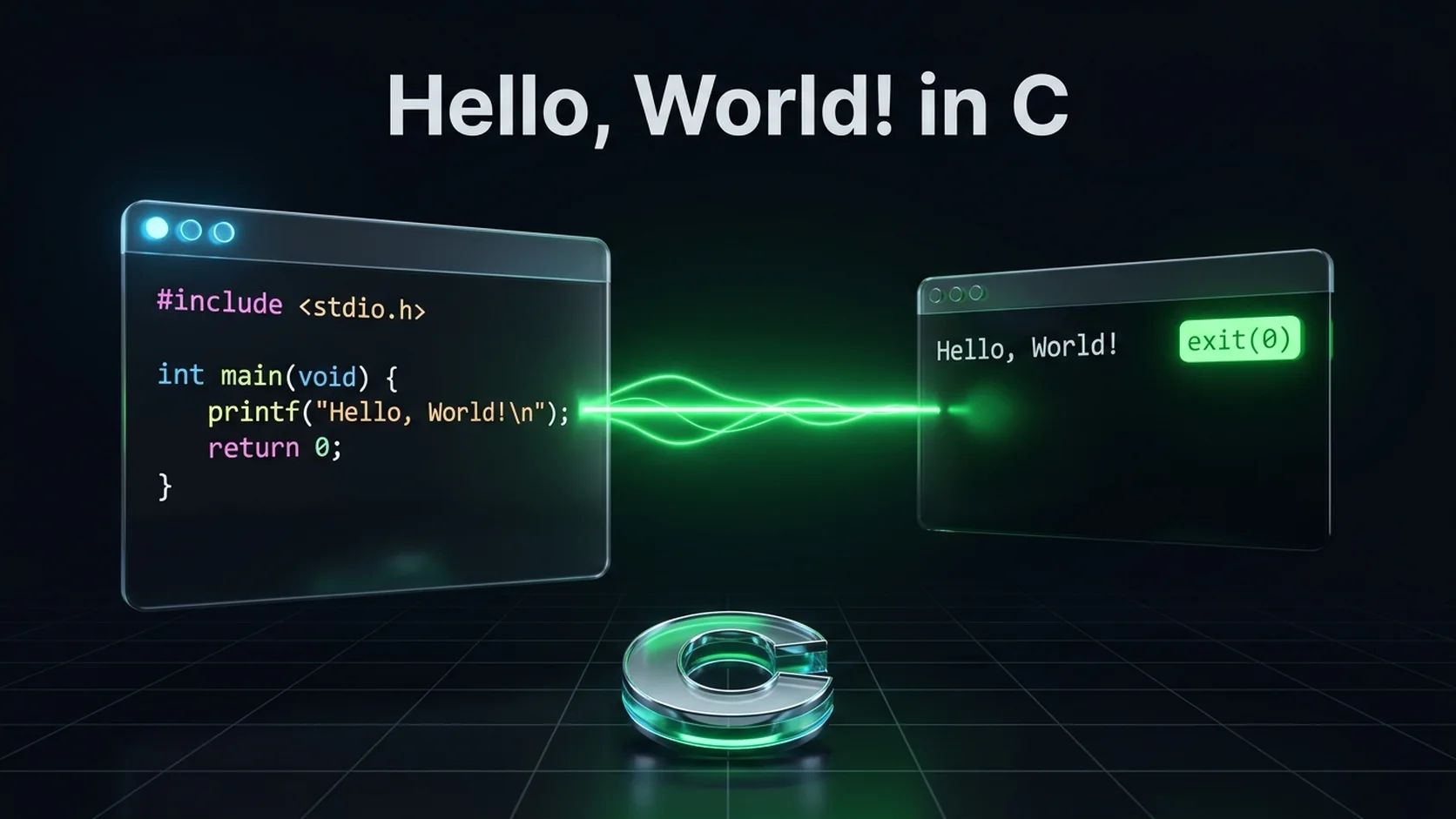
Program and expected output
#include <stdio.h>

int main(void) {
    printf("Hello, World!\n");
    return 0;
}
Run Hello World with printf online
Expected output
Reference output for the displayed program, not a live execution result.
Hello, World!
Explain every line
| Line | Meaning |
|---|---|
#include <stdio.h> |
Makes standard input/output declarations, including printf, available during translation. It does not itself link a library. |
int main(void) |
Defines the hosted program's entry function with no parameters and an integer return value. |
{ and } |
Delimit the function body. |
printf("Hello, World!\n"); |
Writes characters followed by a newline. The semicolon ends the statement. |
return 0; |
Reports successful termination to the host environment. It does not print zero. |
Capitalization matters: Main is a different identifier. A string uses double quotes; a single-quoted character constant is not a replacement. Whitespace outside literals generally separates tokens and formats the source; whitespace inside the string changes the output. See the structure of a C program for declarations, prototypes and optional sections.
Compile and run with GCC
Save the code as hello.c. In a terminal in that directory, run:
gcc -std=c17 -Wall -Wextra -Wpedantic hello.c -o hello
./hello
These commands assume a GCC toolchain on Linux or another Unix-like shell. On Windows with GCC installed and available in PowerShell, use -o hello.exe, then .\hello.exe. On macOS with Command Line Tools installed, clang -std=c17 -Wall -Wextra -Wpedantic hello.c -o hello is another option. The editor alone does not install a compiler. A build command produces an executable; the second command actually runs it. No input is required.
Variant: puts adds its own newline
#include <stdio.h>

int main(void) {
    puts("Hello, World!");
    return 0;
}
Run Hello World with puts online
Expected output
Reference output for the displayed program, not a live execution result.
Hello, World!
puts writes a string and then a newline. printf supports formatting, such as %d, and only adds a newline when requested. Adding \n inside this puts string would produce an extra blank line. Neither example checks output errors; production code writing critical data should check the function's result and stream errors.
Troubleshooting your first program
- Compiler not found: install a C toolchain and verify its terminal PATH, or use the online compiler.
- Missing terminating quote: use plain double quotes, not typographic quotation marks copied from a document.
- Expected semicolon: check the statement before the reported line. Read the semicolon diagnostic guide.
- No new output after editing: save, recompile, and run the newly built executable. An old executable can still exist after a failed build.
- Window closes immediately: run from a terminal. Do not add
getch()just to hold the window open.
Modern C versus old Turbo C examples
void main(), conio.h, clrscr() and getch() occur in legacy tutorials but are not the portable hosted C17 form used here. A freestanding embedded system may have a toolchain-specific entry convention; that does not make the legacy desktop form standard. Use int main(void) for this lesson, and follow your actual target's documentation for firmware.
Practice and answers
Print your own name on one line and Learning C on the next: replace the string with "Your name\nLearning C\n". To print a literal double quote use \" inside a string. To print a backslash use \\. Next, try loop-based pattern programs.
Is return zero mandatory at the end of main?
In C99 and later, reaching the closing brace of the initial call to hosted main returns zero. Writing return 0; explicitly makes the intent clear for beginners.
For a local editor and terminal workflow, follow Run C in VS Code.