Strings in C Programming: Creation, Functions & Memory Safety
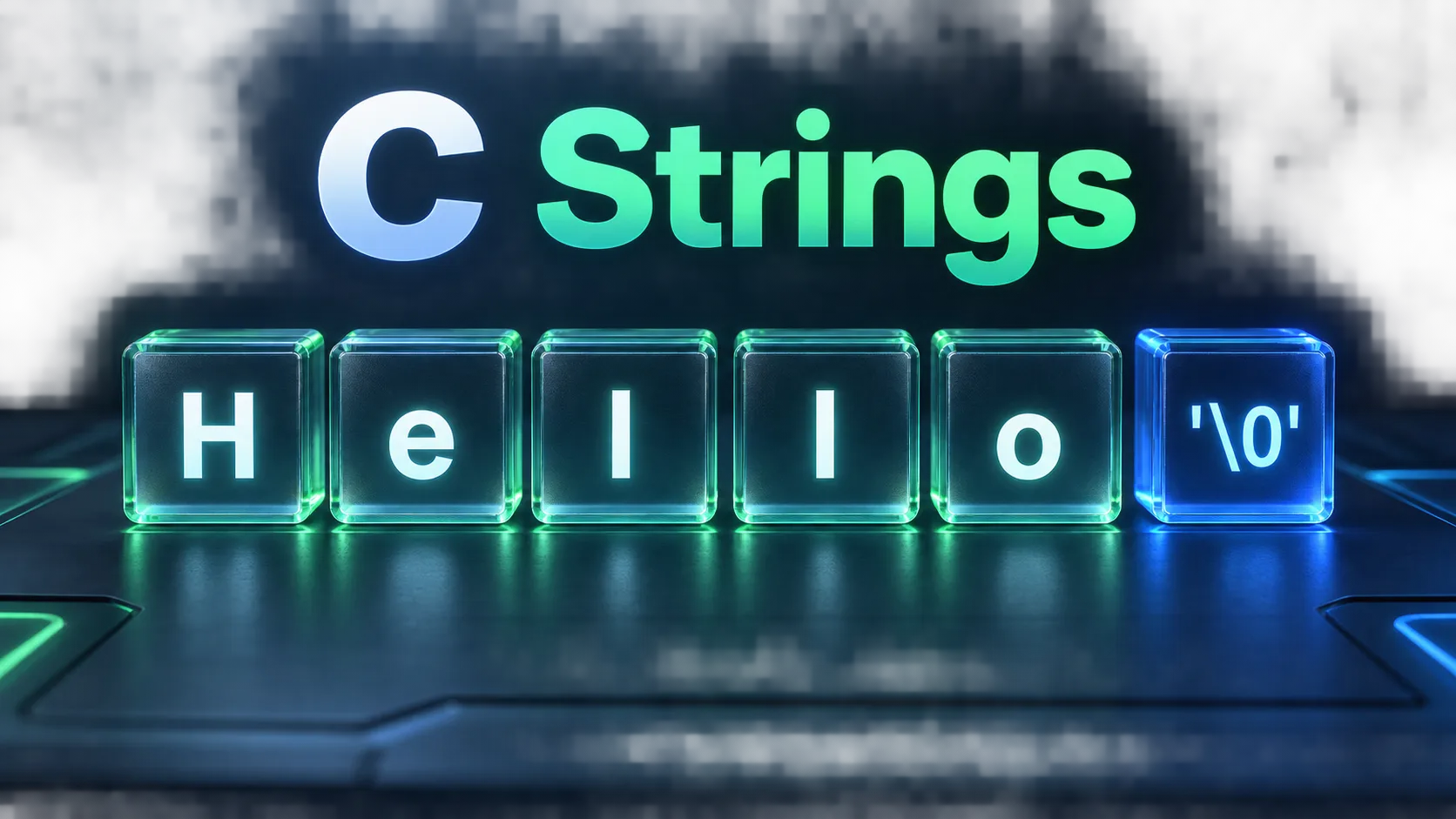
In C, strings are not a primitive built-in data type; they are one-dimensional character arrays terminated by a null character ('\0'). This guide covers declaration, memory allocation, common string library functions, and techniques to prevent buffer overflow vulnerabilities.
Unlike high-level languages with dedicated String objects, C represents textual data as contiguous arrays of char values ending with the null terminator character \0 (ASCII value 0). The null terminator signals to standard library functions (like printf("%s"), strlen(), and strcpy()) where the character sequence concludes in memory.
There are two fundamental ways to define strings in C: mutable character arrays (char str[] = "Hello";) allocated on the stack, and pointer literals (const char *str = "Hello";) pointing to read-only program text memory. Modifying a string literal via a pointer invokes undefined behavior and immediate segmentation faults (SIGSEGV).
The standard library header <string.h> provides essential string utilities including strlen (length calculation), strncpy (bounded copy), strncat (bounded concatenation), strcmp (lexicographical comparison), and strtok (string splitting). When formatting strings, always favor snprintf() over unsafe sprintf() to prevent stack buffer overflows.
Interactive Runnable C Implementation
#include <stdio.h>
#include <string.h>

int main(void) {
    printf("=== C Strings: Declaration & Manipulation ===\n\n");

    // 1. Mutable stack array
    char greeting[32] = "Hello";
    char name[] = "Programmer";

    printf("Initial greeting: %s (Length: %zu)\n", greeting, strlen(greeting));
    printf("Name: %s (Length: %zu)\n", name, strlen(name));

    // 2. Safe string concatenation with snprintf
    char full_message[64];
    snprintf(full_message, sizeof(full_message), "%s, %s! Welcome to C.", greeting, name);
    printf("Concatenated: %s\n", full_message);

    // 3. In-place string mutation
    greeting[0] = 'J'; // "Jello"
    printf("Modified greeting: %s\n", greeting);

    // 4. String comparison
    char word1[] = "apple";
    char word2[] = "banana";
    int cmp = strcmp(word1, word2);
    if (cmp < 0) {
        printf("\"%s\" comes before \"%s\" alphabetically (cmp = %d)\n", word1, word2, cmp);
    }

    // 5. String reversal in-place
    char text[] = "Online C Compiler";
    size_t len = strlen(text);
    for (size_t i = 0; i < len / 2; i++) {
        char temp = text[i];
        text[i] = text[len - 1 - i];
        text[len - 1 - i] = temp;
    }
    printf("Reversed string: %s\n", text);

    return 0;
}Expected Output
=== C Strings: Declaration & Manipulation ===

Initial greeting: Hello (Length: 5)
Name: Programmer (Length: 10)
Concatenated: Hello, Programmer! Welcome to C.
Modified greeting: Jello
"apple" comes before "banana" alphabetically (cmp = -1)
Reversed string: reliPmoC C enilnO
Frequently Asked Questions
Why does sizeof() return a different value than strlen() for strings?
strlen() scans memory and counts characters up to the first '\0' delimiter. sizeof() returns the total allocated byte capacity of the array, including the null terminator and any unused trailing bytes.
Why does modifying 'char *s = "hello"; s[0] = 'H';' cause a crash?
"hello" is placed by the compiler in the read-only .rodata segment. Writing to read-only memory triggers a hardware MMU fault (SIGSEGV, Segmentation Fault).
How do you read a string with spaces from user input in C?
Use fgets(buffer, sizeof(buffer), stdin) instead of scanf("%s"). fgets safely stops at newline or buffer capacity, preventing buffer overflow.